Available deposit methods
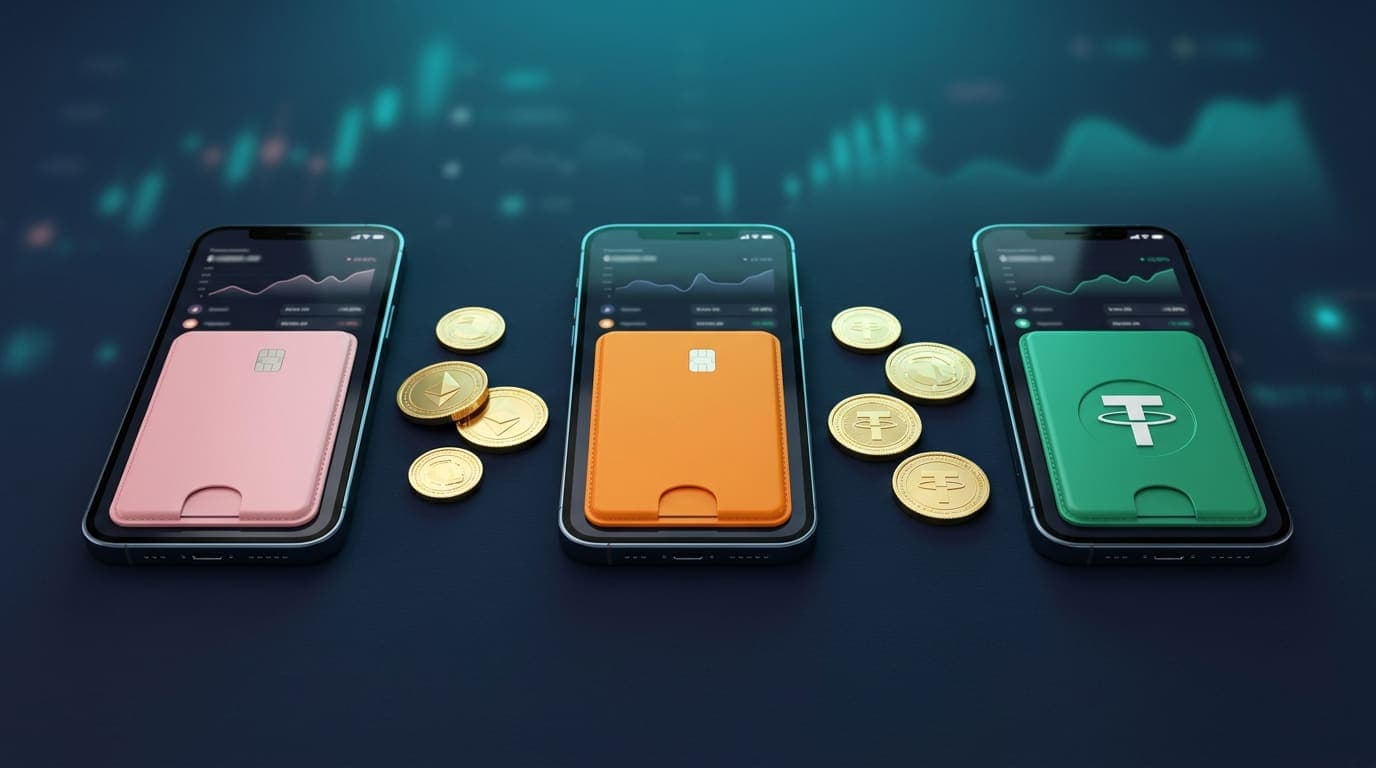
The exact list can change, and every method shows its own minimum and maximum amount inside the deposit window. At the time of writing, these are the main options:
| Method | Type | Typical credit time | Good to know |
|---|---|---|---|
| bKash | Mobile wallet | Minutes after confirmation | Most popular choice; use Send Money or Cash Out as shown in the instructions |
| Nagad | Mobile wallet | Minutes after confirmation | Low fees for many users |
| Rocket | Mobile wallet | Minutes after confirmation | Dutch-Bangla Bank wallet |
| Bank transfer | Bank | Can take longer | Useful for larger amounts |
| USDT | Crypto | After network confirmation | Send only on the network shown on screen |
Limits are shown per method
Minimum and maximum deposit amounts are displayed next to each method when you open the deposit window. If an amount is outside the range, the form will not let you continue.
Before you deposit
- Make sure you are logged in to the account you want to fund. If you have not registered yet, follow our registration guide.
- Decide whether you want the welcome bonus. You must choose it at the moment you deposit — it cannot be added afterwards.
- Decide your budget for the session and stick to it. Only deposit money you can afford to lose.
- Have your wallet app open and enough balance to cover any wallet fees.
How to deposit with bKash, Nagad or Rocket
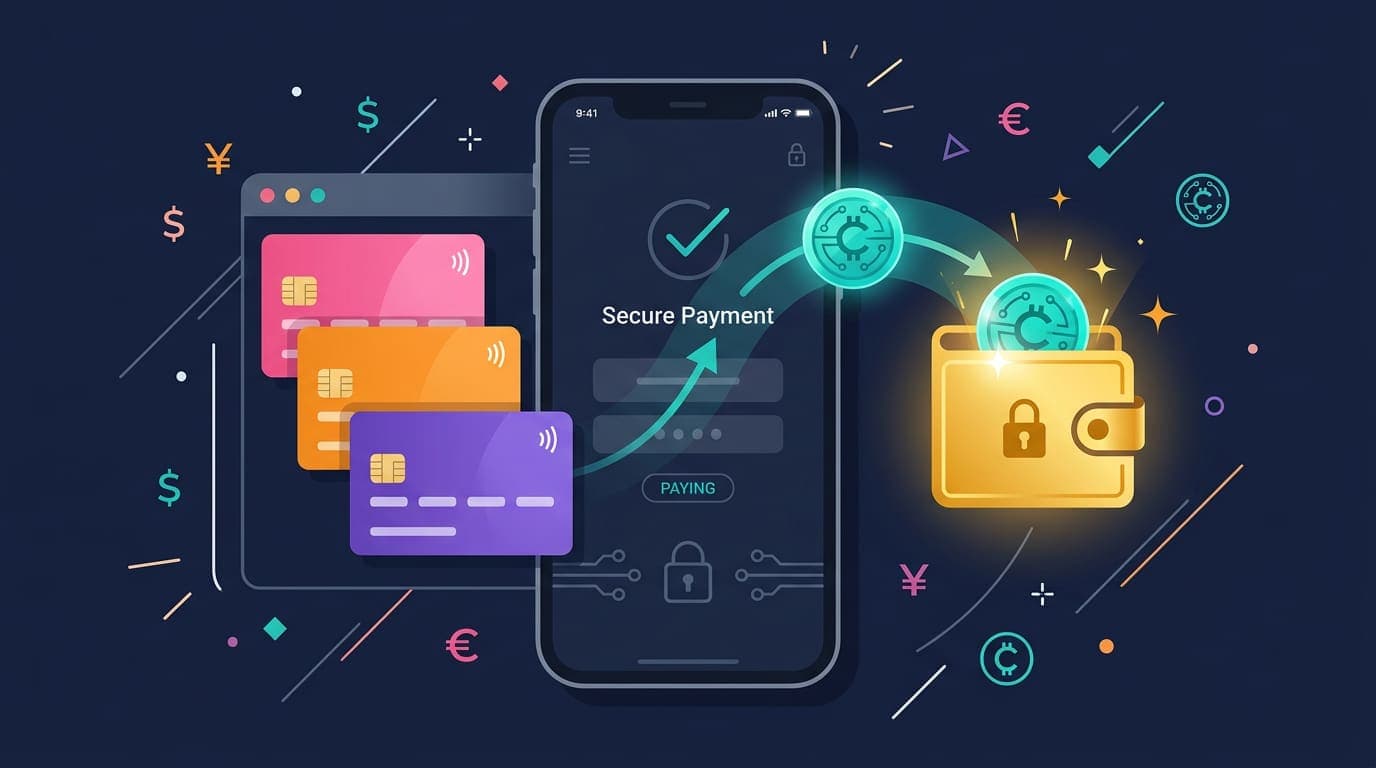
- Log in at sathibet.com and tap the balance or Deposit button in the header. The deposit window opens as a popup.
- Choose your wallet — bKash, Nagad or Rocket.
- Enter the amount in taka. The allowed range is shown under the field.
- If you want the welcome bonus, select it now. You will see the bonus terms, including the turnover requirement, before confirming.
- Follow the on-screen instructions: they show the wallet number to send to and the type of transaction to use.
- Complete the payment in your wallet app and copy the Transaction ID (TrxID).
- Return to SathiBet, paste the TrxID and the number you sent from, then submit.
Your deposit now shows as pending in the Transactions section of your account. Once the payment is matched and approved, your balance updates — usually within minutes during busy hours, sometimes a little longer late at night.
Always use the number shown for this deposit
Receiving numbers can change. Do not reuse an old number saved from a previous deposit or from a social media post — always copy it fresh from the deposit window.
How to deposit with USDT
- Open the deposit window and choose USDT.
- Enter the amount. The screen shows the receiving address and, crucially, the network to use.
- In your exchange or wallet, send USDT to that address on that exact network.
- Submit the transaction hash if asked. The deposit is credited after the network confirms it.
Sending USDT on the wrong network is the most common crypto mistake and the funds may not be recoverable. If you are new to crypto, a mobile wallet is simpler.
Claiming the welcome bonus on your first deposit
New players can opt in to a welcome bonus on their first deposit only. The bonus is added when the deposit is approved, and it comes with a turnover requirement — an amount you need to wager before you can withdraw. While the bonus is active, withdrawals are paused.
This is not a catch, but it is important to understand. Our bonus and turnover guide explains the calculation with worked examples, the maximum bet rule, and what happens if you cancel. If you prefer to keep your money free to withdraw at any time, simply deposit without selecting a bonus.
Deposit not showing? Troubleshooting
It has only been a few minutes
Check the Transactions section. If the deposit says pending, it is in the queue and will be processed. Submitting the same TrxID twice does not speed things up.
The deposit was rejected
The most common causes are a mistyped TrxID, an amount that does not match what was sent, or sending to an outdated number. Contact live chat with a screenshot of the wallet receipt so the team can match it.
Money left my wallet but nothing is pending
You may have closed the window before submitting the TrxID. Open live chat on sathibet.com, share the TrxID, amount, time and sending number, and support will trace it.
After your deposit
With funds in your account, explore the casino lobby, live tables, sports and crash games. If you are curious about Aviator, read the Aviator guide first. And before you need it, check the withdrawal guide so cash-outs are smooth.